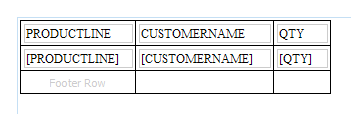
Setting simple table borders in BIRT
Here’s how to create simple uniform table borders in BIRT. This seems very obvious once you know how to do it, but messing around again and again with cell and row borders without getting the right result can be very frustrating!
- Hover over the table to get the “Table” handle in the bottom left corner.
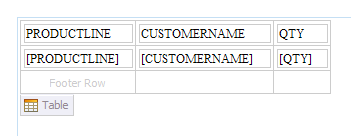
- Click on the “Table” handle to get the row / column handles.
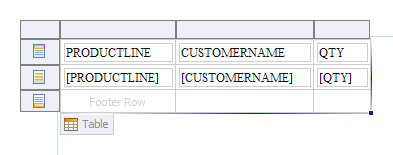
- Click on the top-left corner and this will select the whole table (although in the Properties window you will see “Cell”!).
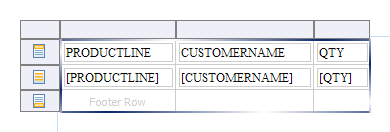
- Now set the desired border setting in the Properties window and they will be applied uniformly (Excel style) on all cells in the table.